 FluxDM
Every download, split into parallel parts.
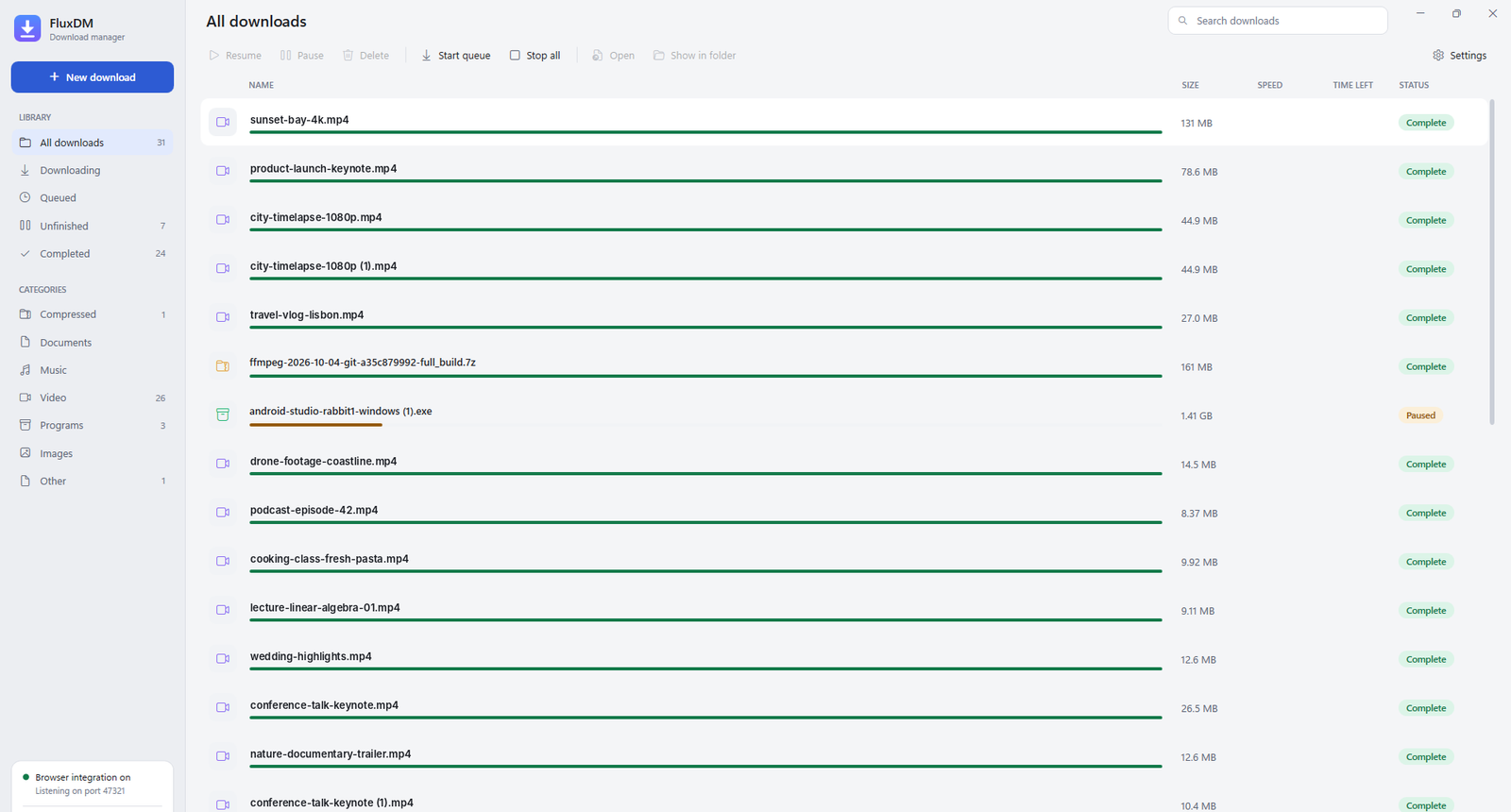
FluxDM opens up to 32 connections per file, picks up exactly where it stopped after a crash or restart, and saves videos from the page you're watching.
0% of 4.71 GB, 8 connections working
What it does
Parallel connections
Each file is cut into parts that download side by side. When one part finishes early it takes over half of the slowest one, so every connection stays busy to the end.
Pause, resume, survive restarts
Progress is saved every few seconds. Close the laptop, lose Wi-Fi or reboot, and FluxDM carries on from the exact byte it stopped at.
Videos from the page
A Download video button appears on videos in Chrome and Edge. Pick a quality, and streamed video comes out as a normal MP4 with sound.
Catches browser downloads
With the browser extension, zips, installers, ISOs and videos go straight to FluxDM, signed-in downloads included.
Queue and speed limit
Choose how many downloads run at once, cap the overall speed, or cap a single download from its own window.
Sorted automatically
Videos, music, documents, programs and archives each land in their own folder.
Getting started
Install FluxDM
Download the installer and run it. No admin rights needed.
Activate your free license
Create an account, copy your key and paste it into FluxDM the first time it starts.
Add it to your browser
FluxDM offers to connect Chrome, Edge or Brave on first run, so downloads and videos come straight to it.
Questions
Is it really free?
Yes. Create an account and you get a free license straight away. It works on one PC at a time; you can move it from your account page.
Why does it need a license if it's free?
The license is how we know which version each PC runs, so we can make sure everyone gets important updates. FluxDM checks in once a day and keeps working for 14 days without internet.
How do updates work?
FluxDM checks for new versions on its own. When one is ready it downloads it, checks the file, installs it and restarts. Unfinished downloads pick up where they left off.
Can it download from any site?
Regular files from almost anywhere, and most videos that play in your browser. Protected video, like paid streaming services, can't be downloaded.
How do I uninstall it?
Settings → Apps → Installed apps → FluxDM → Uninstall, like any Windows program. Files you downloaded stay where they are.